Our time in Germany was at an end, so we left my brother in Stuttgart and hopped on a BA flight over to Heathrow. Unlike last time in Heathrow, this time I actually spent a few days in London visiting friends and touristing about the place.
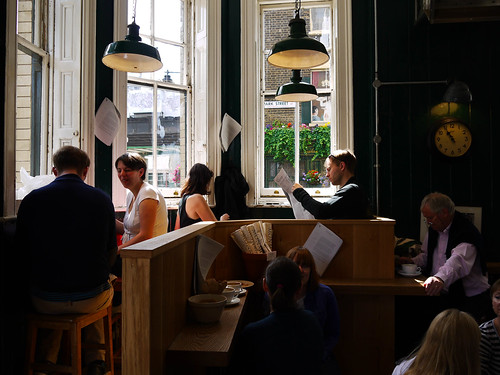
After getting in quite late and staying up even later with Jess, I got a relatively early start and made my way to the Borough Market. I was headed there specifically to hit up Monmouth Coffee. I was immediately struck by the difference in the way London itself is laid out compared to newer cities - rather than being a somewhat regular grid it’s a nest of alleys and small streets, running under bridges and between ancient buildings.

I fueled up on caffeine and headed east along the south side of the Thames, past City Hall and across Tower Bridge. Most people confuse London Bridge with Tower Bridge and I was definitely among them. London Bridge, in one form or another, has been there longer however Tower Bridge (pictured above) is much more ornate and interesting.
I avoided the Tower of London tour, saving that for a time when Rae can visit with me, and headed back along the north shore and across London Bridge to the Borough Market.
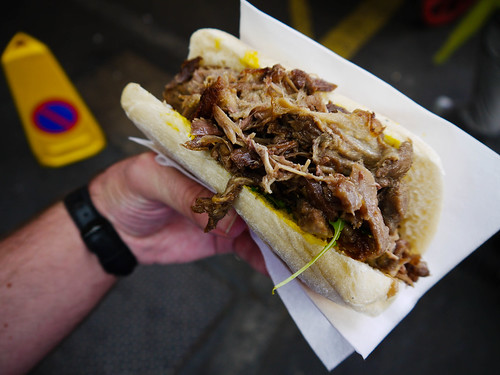
By now it was lunch time and the market was in full swing. Lunch for me was an amazing duck sandwich, with shredded duck fresh off the grill. Amazing. I could’ve spent a good couple of hours there sampling the wares from all the vendors but somehow managed to drag myself away. After another coffee, of course.
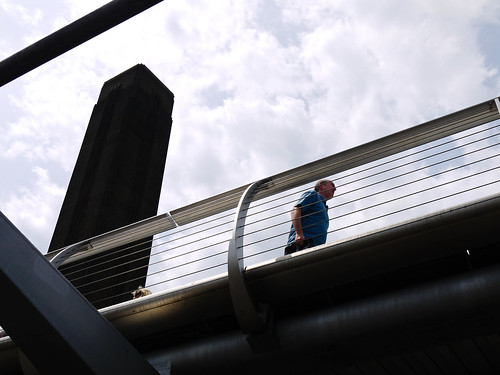
From then on I was in full tourist mode, following the south bank of the Thames west. There are so many iconic sights, from the Tate Modern and the Millennium Bridge (pictured above) to the National Theatre, the Jubilee Garden and the London Eye.
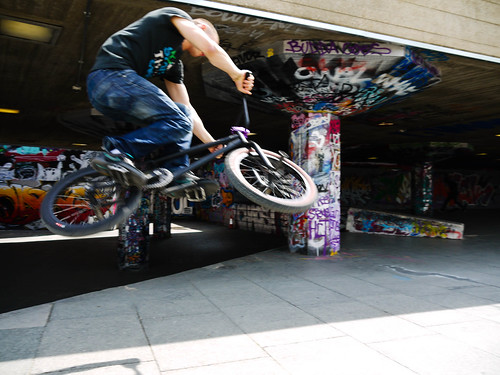
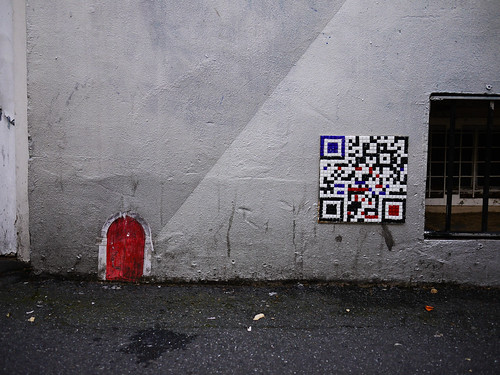
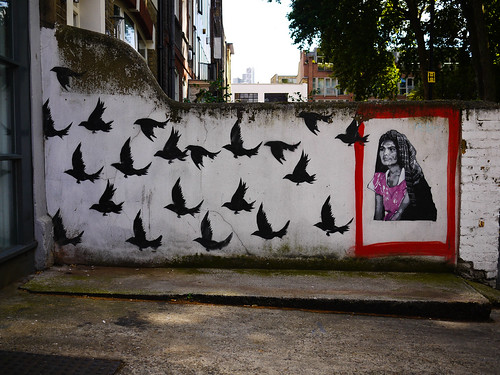
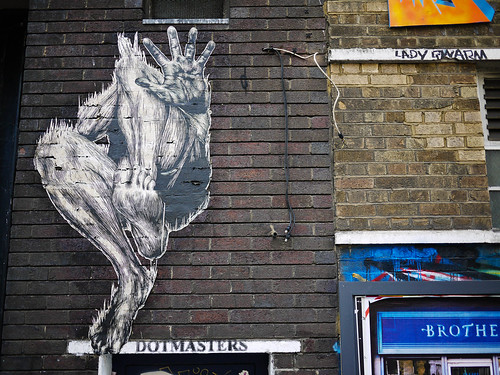
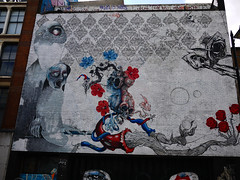
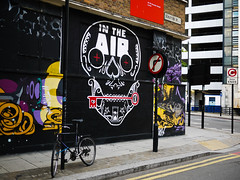
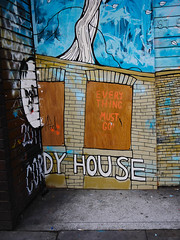
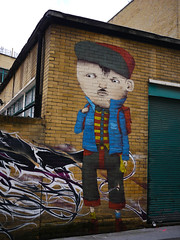
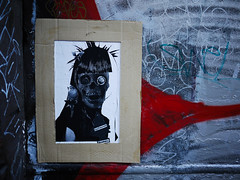
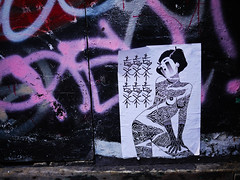
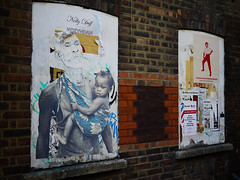
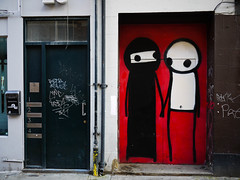
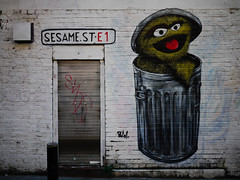
What I didn’t expect to find was a full-on street art installation combined with BMX and skateboarding ramps.
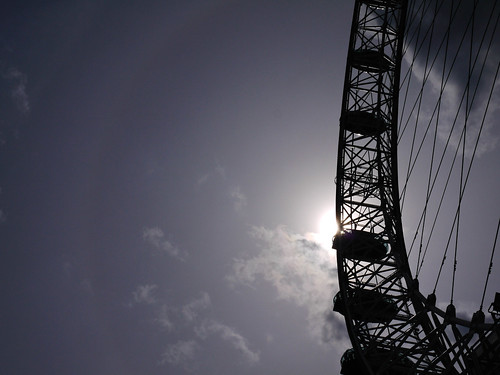
London Eye was really busy, so I avoided taking a ride in the interests of time, and instead rested my legs at a small coffee hut just further along the river.
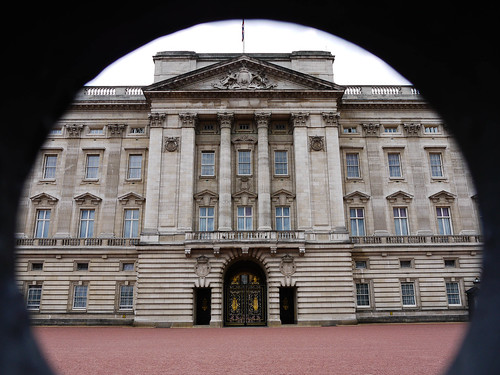
I ended up crossing the Thames at the Westminster Bridge, walked past Parliament and Big Ben, through St James’s Park and up to Buckingham Palace.
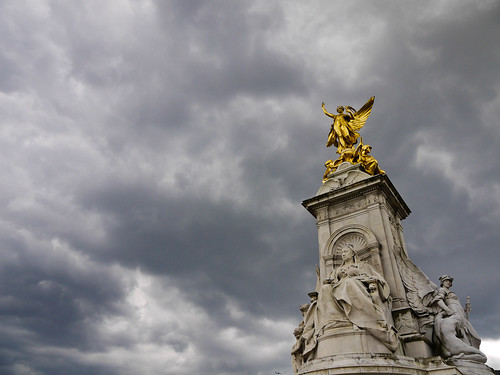
I stayed at Buckingham Palace for a while, resting my legs and enjoying a nice day. That was, until clouds started rolling in over the Palace. It made for some interesting photos, and thankfully it didn’t actually rain.
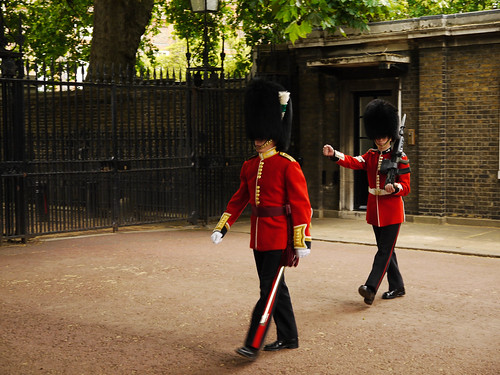
From the Palace it was back towards East London to meet friends for drinks and dinner, stopping for a while to take pictures of the Queen’s Guard along the mall.
I don’t think I’ve walked that much in a single day for years, probably not since my first day in New York City five years ago.